H4A Smartphone Borescope Support: H406A & H408A

H4A 2-Way Articulating Borescope for iPhone & Android
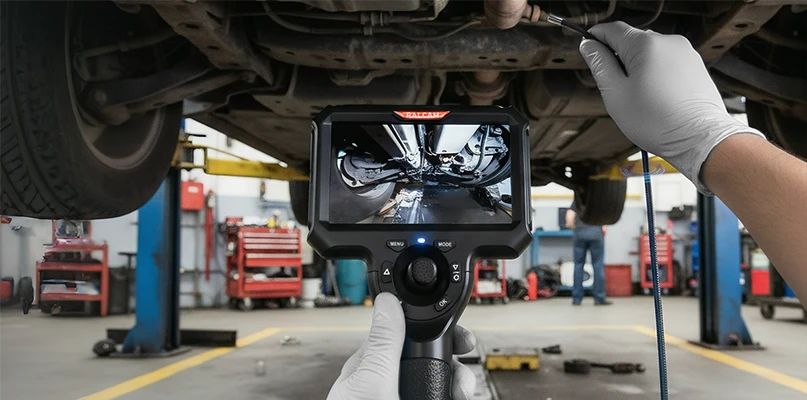
The H4A borescope is a powerful inspection tool supporting Android and iOS devices. With a 1280x720 HD camera and 90° view, it’s perfect for engine and automotive inspections. Features include a replaceable metal bracket for stable connections, a damping push rod for easier lens rotation, and real-time PDF test report sharing for efficient results.

H406A & H408A User Manual & Setup Guide (PDF)
Access the comprehensive user manual for step-by-step setup and usage instructions, including bracket replacement and PDF report sharing.

Finder Borescope App Download for H406A & H408A
Open Edge Browser on your phone and scan the QR code to download the App.
H4A Troubleshooting: Articulation Stuck
The articulation tip is stuck or will not steer
Straighten the insertion tube first, then try to steer again.
If the tip still will not turn, lift the tube, hold it just below the bending section, and shake it gently a few times. Then try to steer again.
If the tip still does not respond after that, contact Ralcam after-sales support for help.
Do not force the articulation control while the tip is unresponsive.