F6A Smartphone Borescope Support: F604A & F606A

F6A 4-Way Articulating Borescope for iPhone & Android
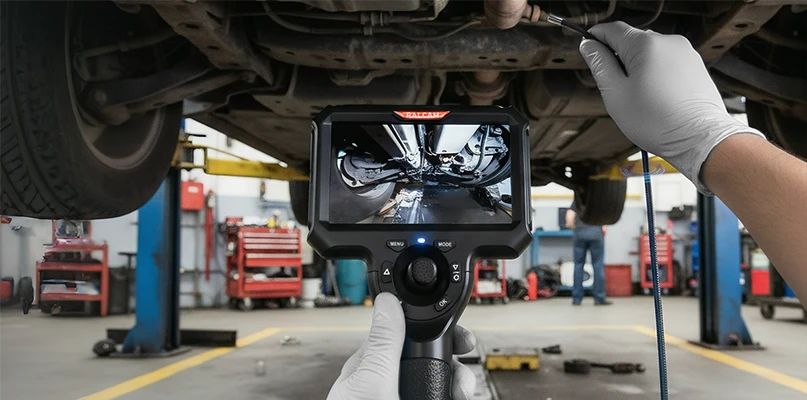
The F6A borescope is a versatile inspection tool compatible with both Android and iOS devices. Equipped with a 1280x720 HD camera and a full 360° rotating lens, it’s ideal for engine and machinery inspections. With up to 6 hours of battery life, a replaceable tungsten wire mesh snake tube, and waterproof design, the F6A delivers reliability in tough conditions. The real-time PDF test report function enhances your workflow by allowing you to share inspection results instantly.

F606A & F604A User Manual & Setup Guide (PDF)
Access the user manual and setup instructions for the F6A borescope to get started quickly.

Finder Borescope App Download for F604A & F606A
Open Edge Browser on your phone and scan the QR code to download the App.
F6A Troubleshooting: 4-Way Articulation Stuck
The articulation tip is stuck or will not steer
Straighten the insertion tube first, then try to steer again.
If the tip still will not turn, lift the tube, hold it just below the bending section, and shake it gently a few times. Then try to steer again.
If the tip still does not respond after that, contact Ralcam after-sales support for help.
Do not force the articulation control while the tip is unresponsive.
More F6A Help & Related Pages
- Back to Ralcam Support CenterAll borescope manuals, firmware and FAQs in one place.
- Buy the F606A 4-way endoscope for iPhone & Android4-way articulation, 360° lens rotation, PDF inspection reports.
- F6B vs F6A: the version with a built-in screenSame 4-way articulation on a 4.3-inch handset, no phone needed.