F4A Borescope for Android & iPhone Support: F405A, F406A & F408A

F4A Borescope for Android & iPhone: What You Own
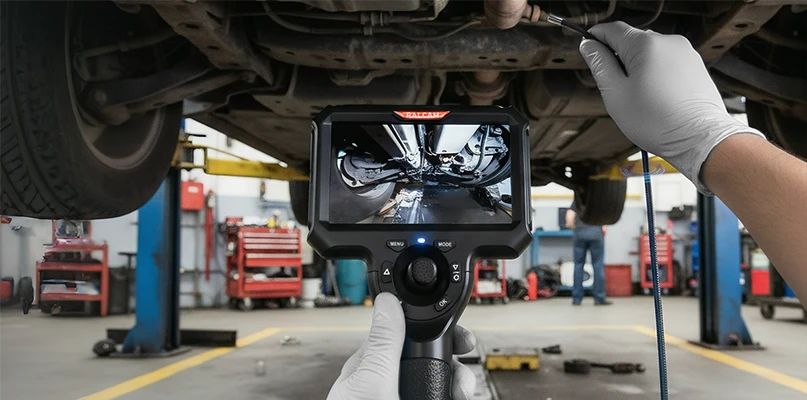
Two-way articulating borescope for smartphones and iPhone, with an 8.5 mm / 0.33 inch endoscope camera with light and 1080P HD inspection camera for automotive work. This support page covers the F405A, F406A and F408A.

Finder Borescope App Download for F405A, F406A & F408A
Open Edge Browser on your phone and scan the QR code to download the App.

F406A & F408A User Manual (PDF)
Read or download the F4A manual for pairing, lens articulation, recording and maintenance.
F4A Troubleshooting: Articulation Stuck
The articulation tip is stuck or will not steer
Straighten the insertion tube first, then try to steer again.
If the tip still will not turn, lift the tube, hold it just below the bending section, and shake it gently a few times. Then try to steer again.
If the tip still does not respond after that, contact Ralcam after-sales support for help.
Do not force the articulation control while the tip is unresponsive.
More F4A Help & Related Pages
- Back to Ralcam Support CenterAll borescope manuals, firmware and FAQs in one place.
- Buy the F408A endoscope camera for Android & iPhone8.5 mm probe, 2-way articulation, cable length options.
- F4B vs F4A: the version with a built-in screenSame 8.5 mm 2-way probe on a 4.3-inch handset, no phone needed.